User Interface
Streams
With STREAMS there is a versatile and powerful timeseries database availabe in the O2A framework. When data is not ingested automatized by using the API the GUI offers the way to submit timeseries data to the service manually.
Note: All item permissions from REGISTRY do also apply in STREAMS.
That means user A can only add (near real-time) data to items that belong to user A. The same applies for the deletion of datasets.


Lefthand side: user is not logged in and cannot submit data. Righthand side: uses is logged in and can ingest data.
By clicking "Import stream data" when it occurs blue on the screen (you must log in to have it blue) a user starts the process. Submission can be done either by clicking or dragging and dropping the respective files.
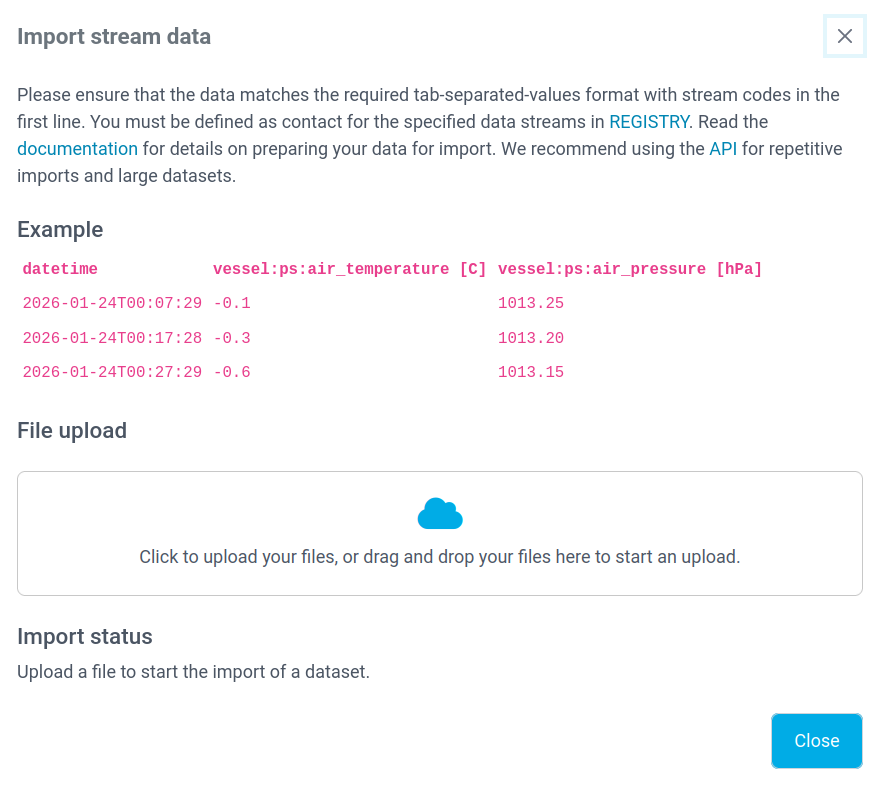
Submission main page
We encourage users to read the latest format specifications before trying to submit data to the service. NRT format description is available here:  With respect to filesize and amount of data the upload process might take some seconds. A successful upload is indicated by a little note about the associated dataset id along with a green check mark.
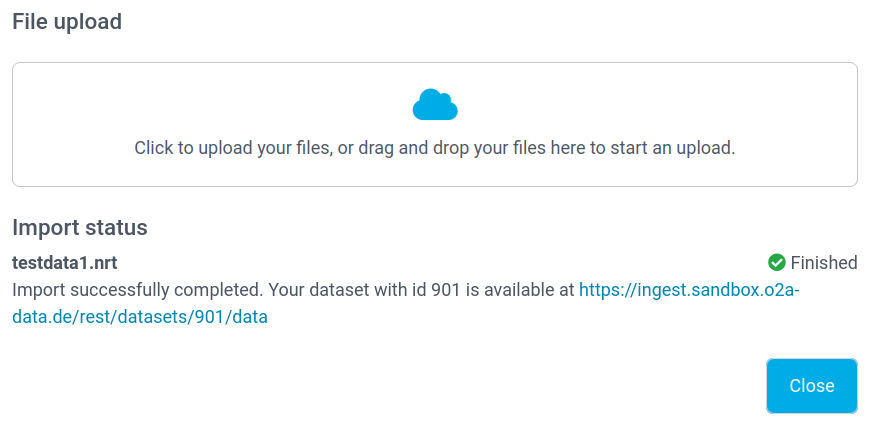
Success
If an upload fails an error message is displayed. Normally this is related due to violations of the format specifications.
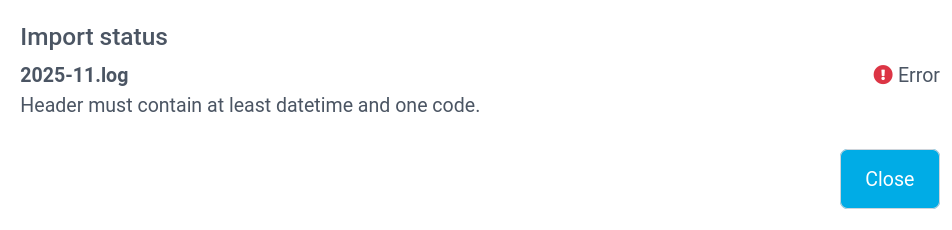
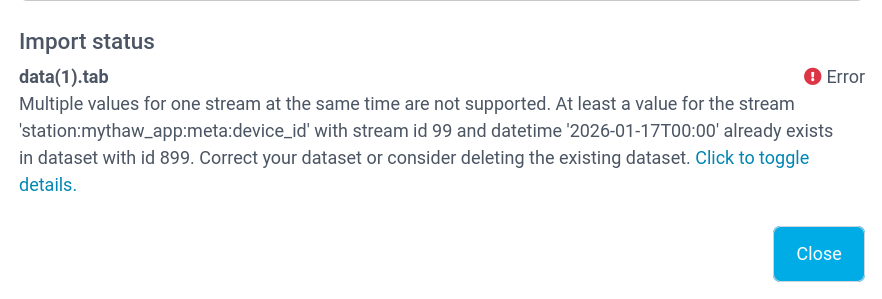
Common errors that can occur when submitting faulty data. Lefthand side: the file does not contain a valid header, righthand side: the submitted file has already been submitted to the service.